
Download VideoTodo – Video Downloader, Converter, Multi-Platform Support
Overview
VideoTodo is a mobile application designed to simplify the process of downloading and converting videos from a wide range of online platforms. Its core purpose is to provide users with a reliable tool for saving video content from websites such as YouTube, Dailymotion, and other lesser-known platforms including Dalealplay, eVideoShare, and ZippyVideos. The app addresses the common need for offline access to video material, enabling users to view content without requiring an internet connection. This functionality is particularly useful for travelers, students, and content enthusiasts who rely on video-based learning or entertainment. The app targets individuals seeking flexibility in how they consume digital media, especially those who value control over their viewing experience. While the developer's background was not disclosed, the app’s long-standing presence since its release on March 2, 2010, suggests a degree of stability and user retention. VideoTodo fits into the broader ecosystem of digital utility tools by offering a streamlined solution for video access. It serves as a bridge between online content and personal device storage, enhancing the user’s ability to manage digital media efficiently. The app’s continued relevance highlights its effectiveness in meeting a persistent user need.Key Features & Functionality
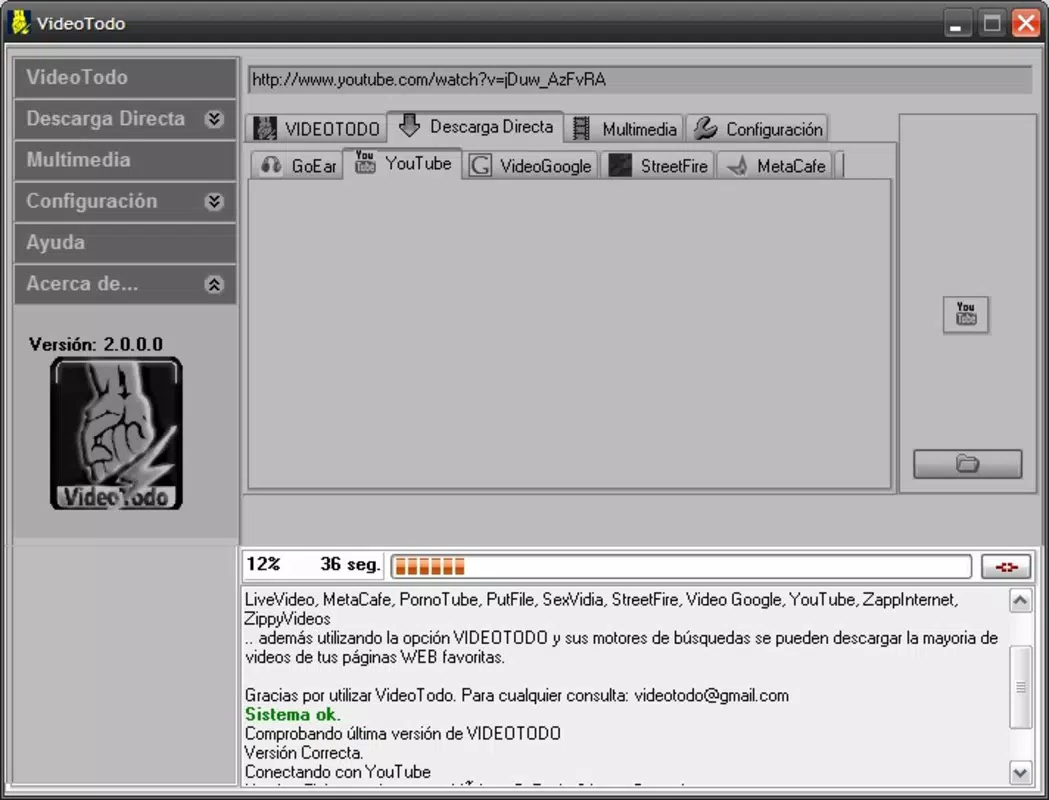
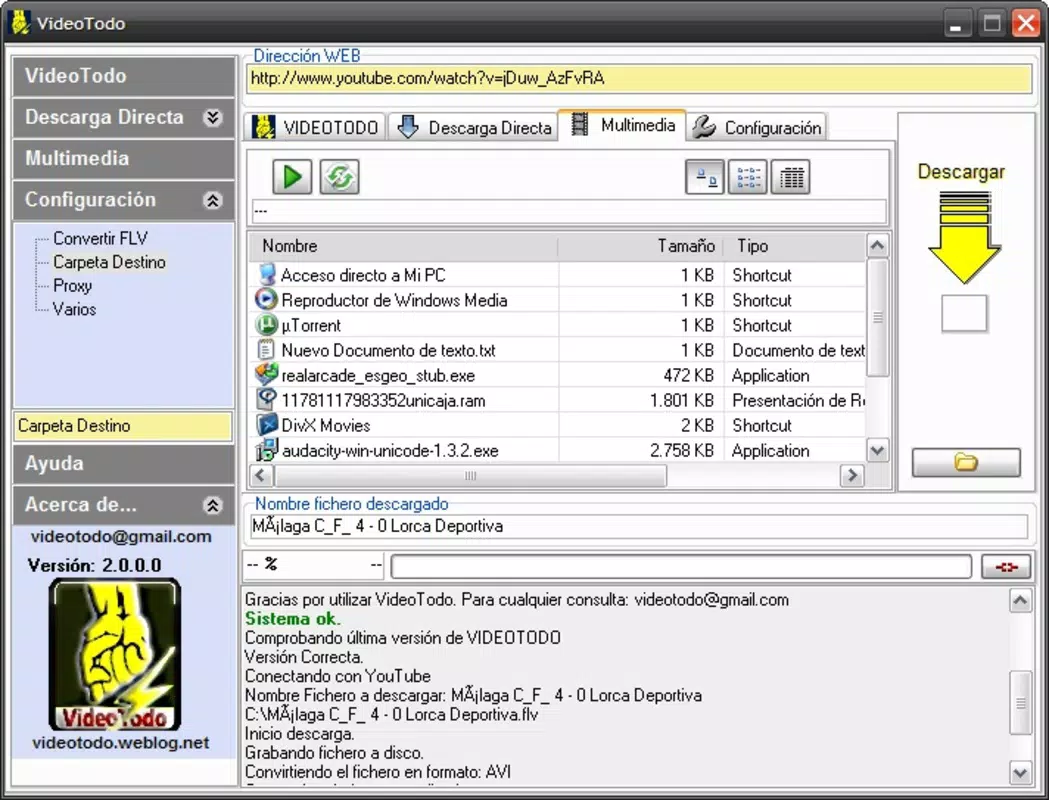
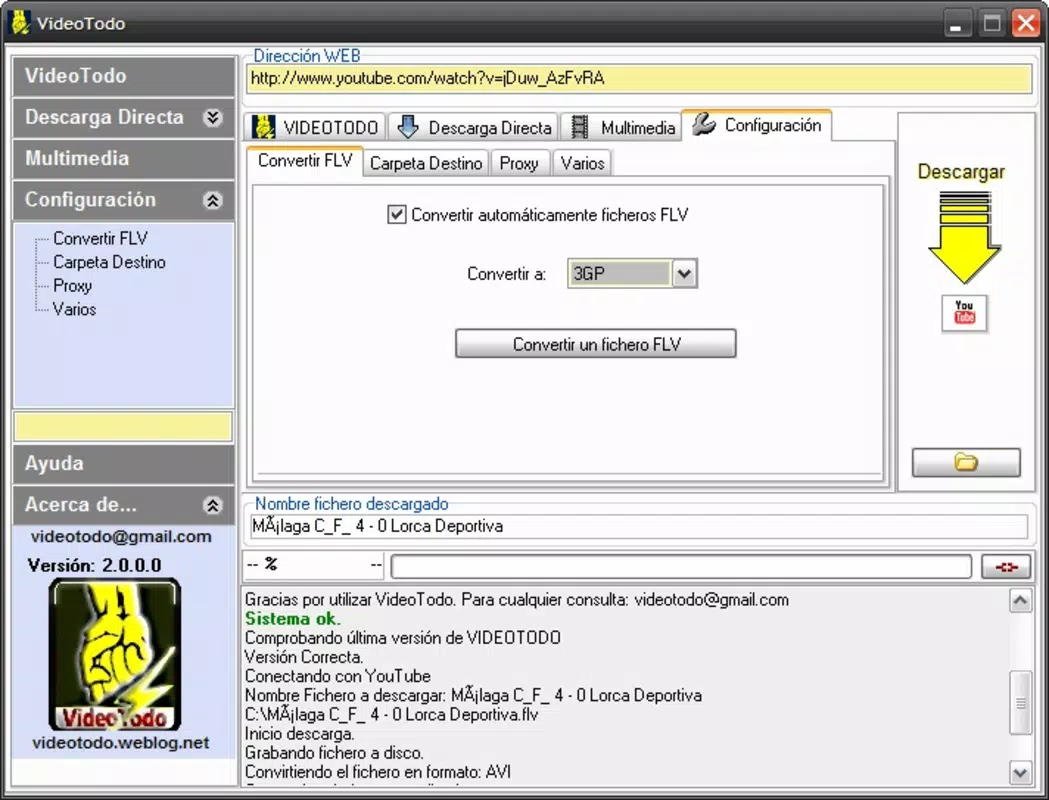
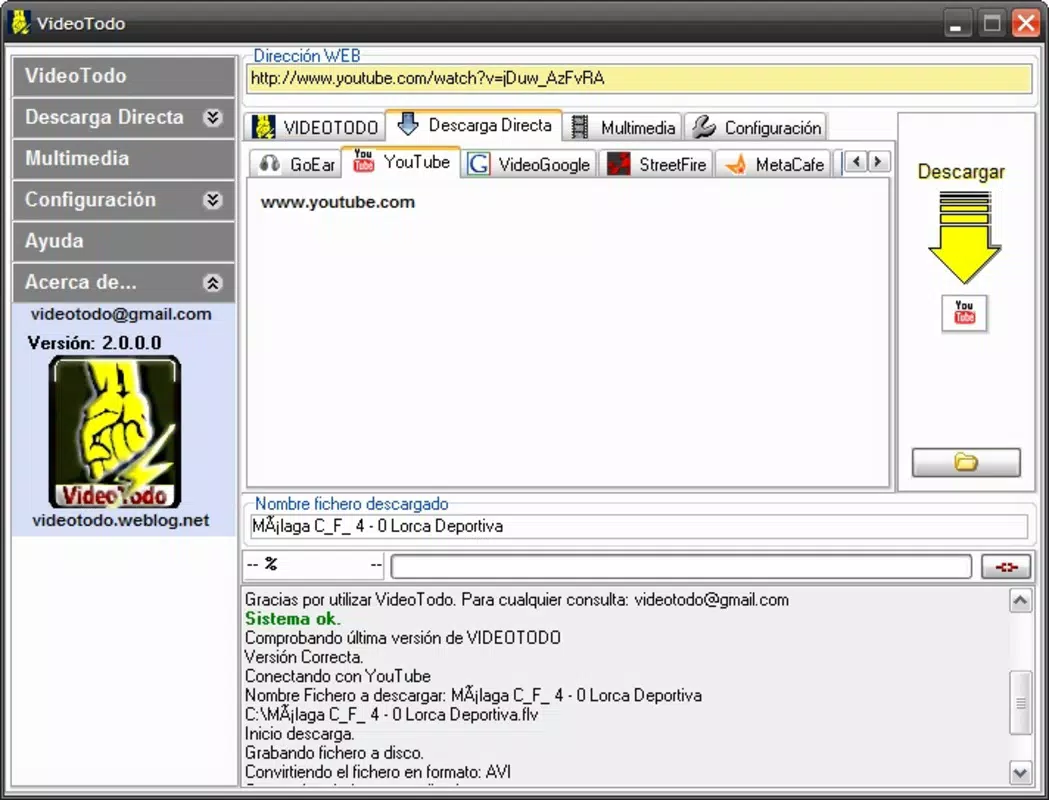
VideoTodo offers a set of practical features aimed at simplifying video management across multiple platforms. The app enables users to download videos with minimal effort—by copying a video URL to the clipboard, the app automatically detects the link and presents it for download. This streamlined process reduces friction, making it accessible even for users with limited technical experience. Once downloaded, videos can be converted into various formats such as AVI, 3GP, DVD, and FLV, allowing compatibility with a broad range of devices and media players. This flexibility ensures that users can tailor their video files to match their playback preferences or device limitations. The app supports a diverse list of websites beyond mainstream platforms, including niche or regional sites, which expands its utility for users seeking content from less common sources. For technical issues during conversion, VideoTodo includes a built-in option to update the codecs database, helping maintain performance and support for new or rare formats. These features collectively enhance user autonomy and reduce dependency on external tools. Real-world use cases include educators saving instructional videos for classroom use, travelers downloading content for offline viewing, and hobbyists archiving favorite clips. The app’s functionality aligns with the growing demand for digital content portability and personal media management.How It Works in Practice
When a user encounters a video they wish to save, they copy the URL from their browser or app. Upon returning to VideoTodo, the app detects the link and displays the video details. A single tap initiates the download, with progress visible in real time. After completion, users can choose a preferred output format, with options tailored to device compatibility. The codec update feature ensures that even if a video fails to convert, the system can adapt by refreshing its format recognition database. This responsive design supports long-term usability and reduces user frustration.Interface, UX & Performance
The user interface of VideoTodo appears to be designed with simplicity and efficiency in mind, prioritizing core functionality over visual complexity. Navigation is likely centered around a central input field for URL pasting, with clear buttons for initiating downloads and managing settings. The layout suggests a minimalistic approach, focusing on essential actions to reduce cognitive load. Users can expect a straightforward flow: paste URL → detect → download → convert → save. Although the developer did not list formal performance metrics, the app’s ability to handle multiple platforms and formats implies a level of technical robustness. Responsiveness across different device categories is not explicitly detailed, but the app’s long-standing release history suggests it has been optimized for stability. The user experience is likely consistent across devices, with minimal lag during standard operations. However, performance during high-volume or complex conversions may vary depending on device capabilities. The app’s interface does not appear to include advanced customization options, which may appeal to users who prefer a no-frills experience. Overall, the UX design emphasizes usability and speed, aligning with the app’s utility-focused mission.Platform Compatibility & Technical Requirements
VideoTodo is available on Android, though specific OS version requirements were not provided. The app’s file size is listed as 25.7 MB, indicating a relatively lightweight footprint suitable for most smartphones. While the developer did not specify minimum OS versions or hardware requirements, the app’s long-standing release date suggests compatibility with a wide range of Android devices, including older models. The absence of detailed technical specifications means users should exercise caution when installing on devices with outdated systems. Compatibility with iOS was not confirmed. Users should verify that their device meets the necessary system conditions before installation. The developer did not provide additional technical details regarding storage needs, background processing, or network usage.Pros and Cons
- Supports multiple video platforms, including YouTube, Dailymotion, and niche sites
- Simple one-click download process via clipboard detection
- Offers conversion to multiple formats like AVI, 3GP, DVD, and FLV
- Includes a codec update option to maintain compatibility
- Lightweight file size (25.7 MB) suitable for most devices
- Specific OS version requirements were not listed
- Developer background and company details were not disclosed
- Performance on low-end devices was not confirmed
- Compatibility with iOS was not verified
- Advanced customization or cloud integration features were not mentioned


